
Ensuring you have visitors consent before saving their data is very important. If you enable the GDPR feature in this plugin it will add a checkbox to the form just before the submit button with a message that you can customize.
You can edit the message to request the proper consent.
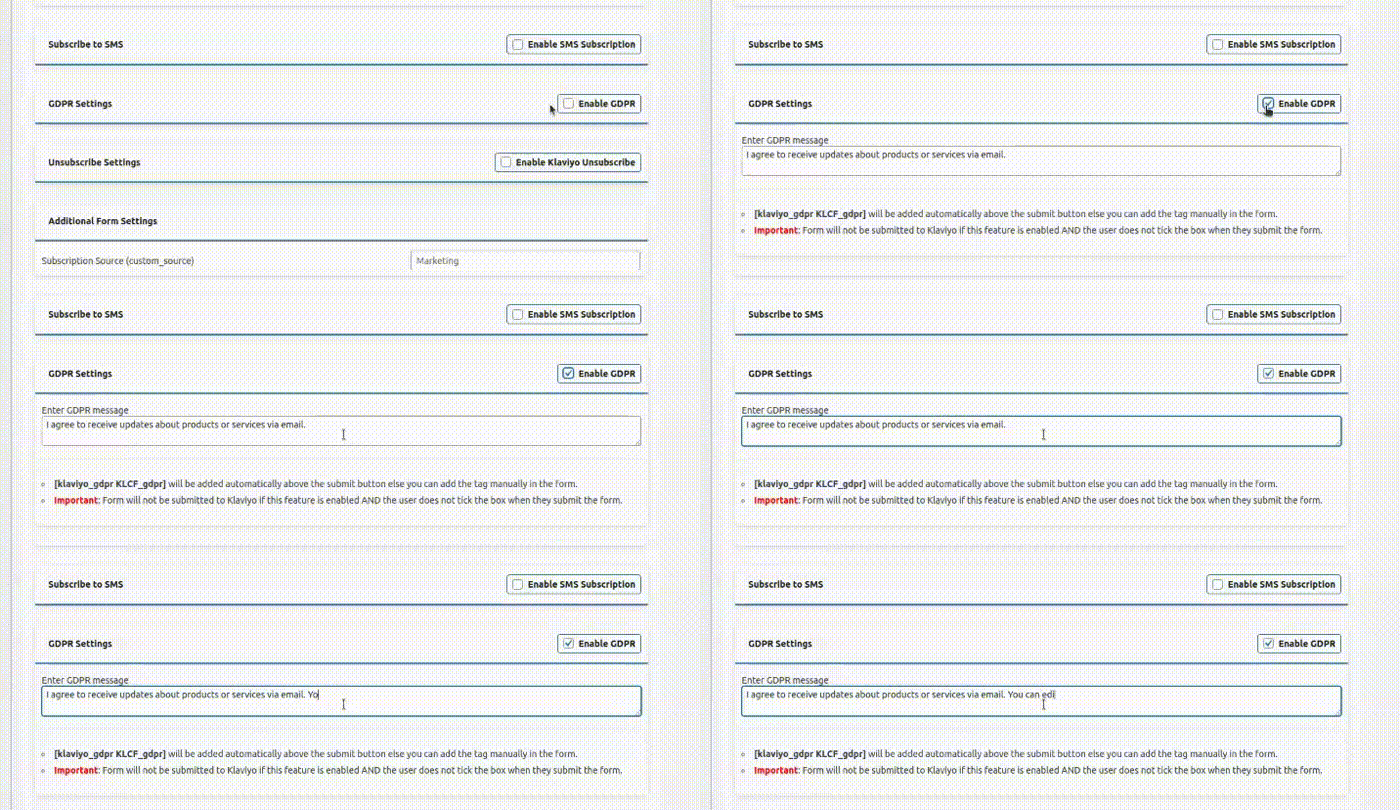
Enabling GDPR will add a short code to your contact form just before the submit button [klaviyo_gdpr KLCF_gdpr]. You can add this manually if it is not added automatically.
Important: If the GDPR checkbox is enable/added and the user does not tick the checkbox / consent then their data will not be sent to Klaviyo. The checkbox is not mandatory. If you want a mandatory checkbox you can add a regular contact form 7 checkbox to prevent submission until the user clicks it.
You could also use other ways to request consent such as a regular message. “By submitting this contact form you agree to….”. Then you don’t need the checkbox from our plugin.