
The plugin has a logging feature that can be enabled from the Additional Form Settings section. It is not recommended to enable logging on a production site. every request to Klaviyo is logged and as a result will quickly increase the size of the database table. This can lead to performance issues if left enabled for a long time.
The is a feature that can be used if you are having issues with data going to Klaviyo and you need to troubleshoot and figure out why.
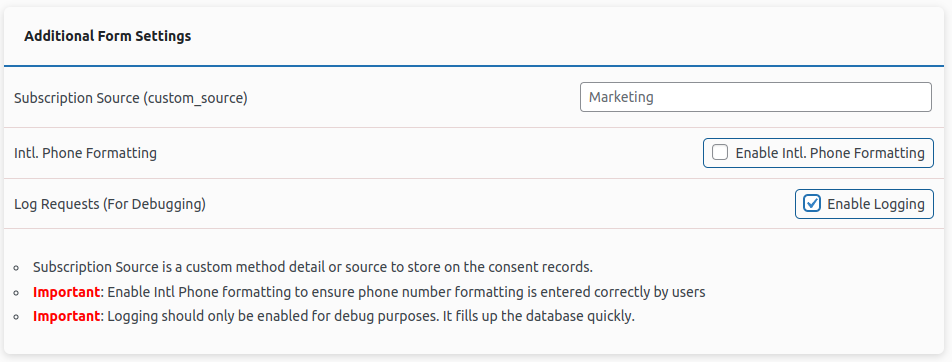
When logs are enabled you can find the saved requests at Contact > Klaviyo > Klaviyo Logs. You have a few option to clear the logs and view individual requests.

Try to minimize entries to the log as much as possible.